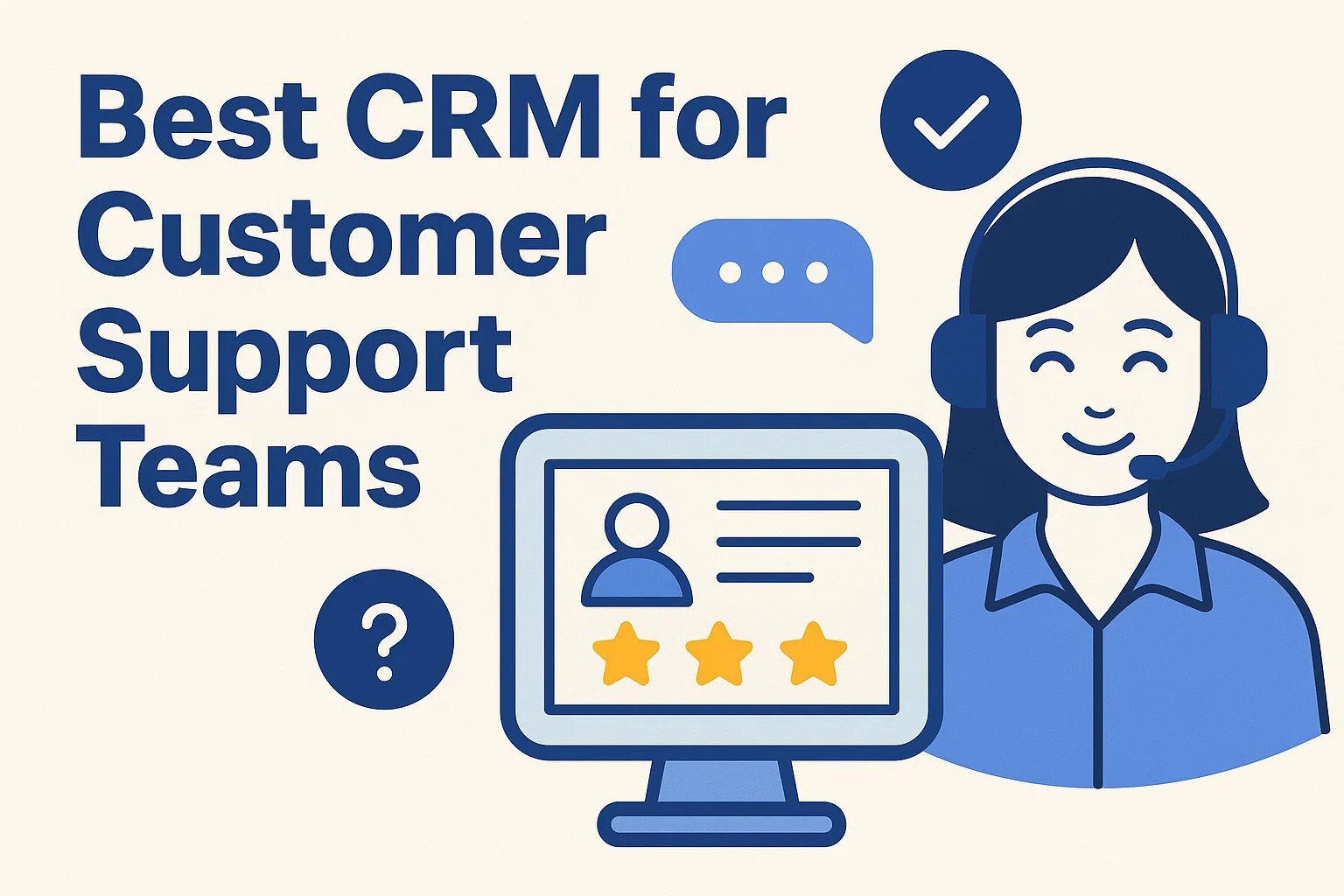
In today’s competitive business environment, delivering exceptional customer support is crucial. A robust CRM (Customer Relationship Management) system tailored for customer support teams can help you manage tickets, track customer interactions, and enhance satisfaction. This comprehensive guide explores the best CRMs for customer support teams in 2026, highlighting key features, integrations, and strategies to boost your service efficiency.
Why Customer Support Teams Need a Dedicated CRM
While general CRMs focus on sales and marketing, a customer support CRM is designed to streamline service workflows. Benefits include:
- Centralized ticket management
- Faster response and resolution times
- 360-degree customer view for personalized service
- Enhanced collaboration across support agents
- Integration with knowledge bases, chatbots, and other service tools
Key Features of a Customer Support CRM
When evaluating CRMs for your support team, look for the following essential features:
- Ticket Management: Track, assign, and prioritize customer issues efficiently.
- Multi-Channel Support: Integrate email, chat, phone, and social media.
- Knowledge Base: Provide self-service solutions for common queries.
- Automation: Automate repetitive tasks like ticket routing and follow-ups.
- Analytics & Reporting: Monitor agent performance and customer satisfaction metrics.
- Integration: Connect seamlessly with email marketing, ERP, and project tools.
| CRM | Best For | Key Features | Pricing |
|---|---|---|---|
| Zendesk | Multi-channel customer support | Ticketing, AI chatbots, knowledge base, SLA management | From $49/agent/month |
| Freshdesk | Small to mid-size support teams | Ticket automation, multi-channel support, reporting, gamification | Free plan available; paid from $15/agent/month |
| HubSpot Service Hub | Integrated sales and support CRM | Tickets, live chat, customer feedback surveys, knowledge base | Free plan available; paid from $50/month |
| Zoho Desk | Customizable support workflows | Multi-channel ticketing, AI assistant, analytics, integrations | From $14/agent/month |
| Salesforce Service Cloud | Enterprise-level support teams | Omnichannel support, AI insights, workflow automation, reporting | From $25/user/month |
How to Choose the Right CRM for Your Support Team
- Assess your team size and support volume.
- Identify must-have vs. optional features.
- Evaluate integration needs with current tools.
- Check scalability for future growth.
- Review usability and mobile accessibility.
- Analyze reporting and analytics capabilities.
Implementing a CRM for Customer Support
- Define clear support workflows.
- Clean and migrate existing customer data.
- Train agents on CRM usage and best practices.
- Monitor adoption and gather team feedback.
- Continuously optimize automation and processes.
Top CRM Trends for Customer Support Teams in 2026
- AI-Powered Chatbots: Instant responses and reduced agent workload.
- Omnichannel Support: Seamless cross-platform communication.
- Predictive Analytics: Anticipate and resolve issues proactively.
- Self-Service Knowledge Bases: Empower customers to solve simple issues.
- Workflow Automation: Improve operational efficiency.
Benefits of a Customer Support CRM
- Improved customer satisfaction and loyalty
- Faster response and resolution times
- Better agent collaboration and productivity
- Data-driven insights for optimization
- Enhanced KPI tracking and reporting
Conclusion
Investing in the right CRM for your customer support team is crucial in 2026. By leveraging modern tools, implementing structured workflows, and adopting AI-driven automation and omnichannel support, businesses can deliver superior service experiences, reduce churn, and strengthen long-term customer loyalty.
Frequently Asked Questions (FAQs)
1. What is the best CRM for small customer support teams?
Freshdesk and Zoho Desk provide affordable plans with essential support features.
2. Can CRMs integrate with live chat and social media?
Yes, most modern support CRMs integrate with chat, email, phone, and social channels.
3. Do I need a dedicated support CRM if I already have a sales CRM?
Dedicated support CRMs include advanced ticketing, SLA tracking, and satisfaction tools not found in basic sales CRMs.
4. How can AI help in customer support CRMs?
AI chatbots, predictive analytics, and automated routing reduce workload and improve response speed.
5. What features improve agent productivity?
Automation, ticket prioritization, knowledge bases, and analytics dashboards significantly boost efficiency.