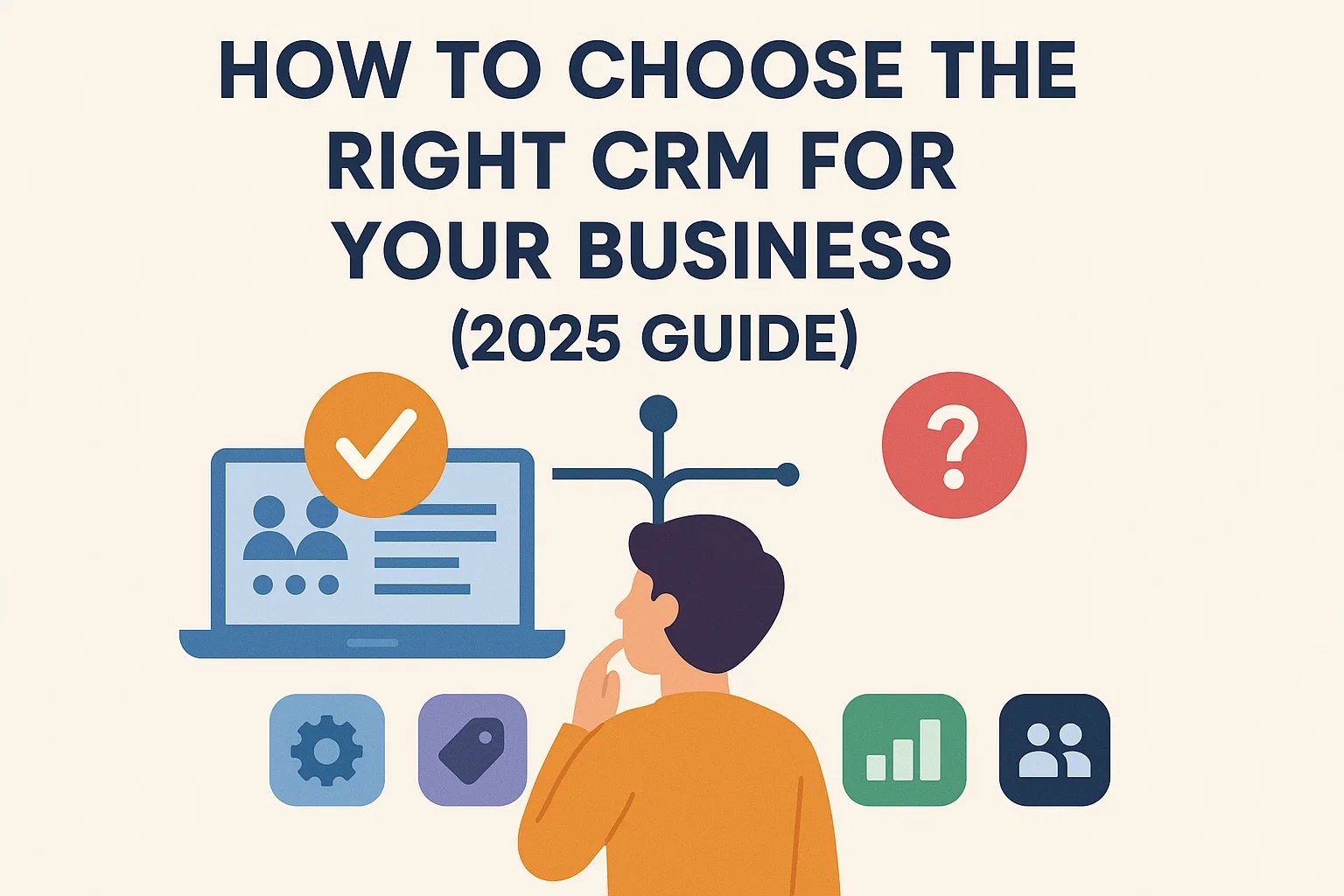
In today’s competitive market, choosing the right CRM software is crucial for business success. A well-selected CRM can improve customer relationships, streamline operations, and significantly increase revenue. However, with hundreds of CRM solutions available, selecting the one that fits your business needs can be overwhelming.
Why Your Business Needs a CRM in 2026
- Centralized Customer Data: Access all client information in one place.
- Sales Automation: Automate follow-ups, lead scoring, and pipelines.
- Marketing Integration: Manage campaigns, email marketing, and analytics from your CRM.
- Customer Support Management: Track tickets, resolve issues faster, and improve satisfaction.
- Analytics & ROI Tracking: Measure campaign effectiveness and sales performance.
Step-by-Step Guide to Choosing the Right CRM
1. Define Your Business Goals
Start by identifying what you want to achieve with a CRM. Common objectives include:
- Increase sales conversion rate
- Improve customer retention
- Streamline internal operations
- Enhance marketing ROI
2. Identify Key CRM Features
- Contact & lead management
- Sales pipeline tracking
- Email & marketing automation
- Reporting & analytics
- Integrations with ERP, accounting, and e-commerce tools
3. Evaluate CRM Pricing Models
| CRM Platform | Starting Price | Best For | Trial Available |
|---|---|---|---|
| HubSpot CRM | Free – $50/user/month | SMEs, inbound marketing | Yes |
| Salesforce Sales Cloud | $25/user/month | Enterprises, customizable workflows | Yes |
| Zoho CRM | $14/user/month | Small businesses, budget-friendly | Yes |
| Pipedrive | $14.90/user/month | Sales-focused SMEs | Yes |
| Microsoft Dynamics 365 | $65/user/month | Large enterprises, full-scale CRM | Yes |
4. Consider User Experience and Adoption
- Ease of onboarding
- Mobile accessibility
- Intuitive dashboards and reporting
- Training resources and customer support
5. Ensure Integration Capability
- Email systems (Gmail, Outlook)
- Marketing platforms (Mailchimp, HubSpot)
- Accounting tools (QuickBooks, Xero)
- eCommerce platforms (Shopify, WooCommerce)
6. Security & Compliance
- GDPR compliance for EU customers
- HIPAA compliance for healthcare data
- Two-factor authentication and role-based access control
Top CRM Platforms for 2026
| Business Size | Recommended CRM | Key Benefits |
|---|---|---|
| Small Business / Startup | Zoho CRM, HubSpot CRM Free | Affordable, easy setup, marketing automation |
| SME / Growing Business | Pipedrive, HubSpot Paid | Pipeline tracking, automation, reporting |
| Enterprise | Salesforce, Microsoft Dynamics 365 | Custom workflows, AI analytics, scalability |
CRM Selection Checklist
- Define clear business goals
- Identify must-have CRM features
- Evaluate pricing and ROI
- Check usability and team adoption
- Ensure integrations with existing tools
- Verify security and compliance
- Test free trials before purchasing
Tips to Maximize CRM ROI
- Train employees thoroughly
- Automate repetitive workflows
- Use analytics for optimization
- Maintain clean customer data
- Integrate CRM with marketing and e-commerce systems
Conclusion
Choosing the right CRM in 2026 is critical for growth, efficiency, and customer satisfaction. By carefully evaluating pricing, features, integrations, and usability, businesses can select a CRM that delivers long-term ROI and scalable success in Tier-1 markets such as the US, UK, Germany, and Canada.
FAQs
1. What is the most cost-effective CRM for small businesses?
Zoho CRM and HubSpot Free provide powerful features at minimal cost.
2. Which CRM provides the best ROI?
Salesforce and HubSpot offer advanced analytics and automation for strong ROI.
3. How do I ensure CRM security?
Choose platforms with GDPR/HIPAA compliance, 2FA, and role-based permissions.
4. Can I migrate data from an old CRM?
Yes, most CRMs support CSV/Excel imports and migration tools.
5. Cloud or on-premise CRM — which is better?
Cloud CRMs provide flexibility, scalability, and lower upfront costs for fast-growing businesses.